Videos also available on

Screencast Tutorials
| New In Version 8 | ||||||
|---|---|---|---|---|---|---|
Getting started with the far-more-customizable Rumpus Web interface. |
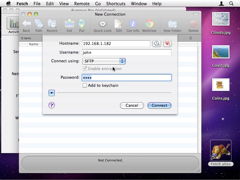
How to enable SFTP and connect to your server simply but securely. |
|||||
Setting up auto-complete text fields and e-mail addresses. |
|
|
||||
| Getting Started | ||||||
|---|---|---|---|---|---|---|
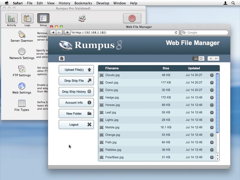
A demonstration of how a Rumpus server allows clients to transfer and manage files. |
This video covers a complete Rumpus installation, from downloading the software to client login. |
|||||
A short introduction to installing and using a Rumpus file transfer server. |
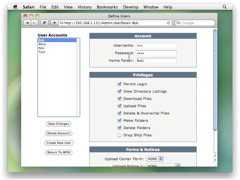
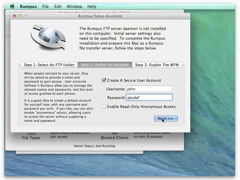
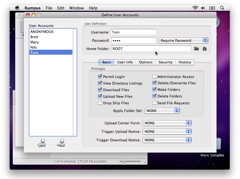
See how to set up user accounts so that users each have their own folder on the server. |
|||||
A review of the most important server options every Rumpus administrator should set. |
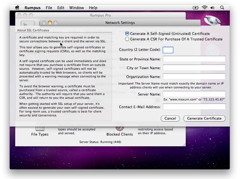
Need to set up secure file transfers? Take a look at this screencast. |
|||||
| Network Configuration | ||||||
|---|---|---|---|---|---|---|
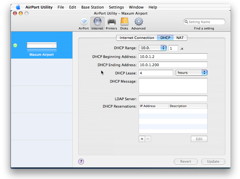
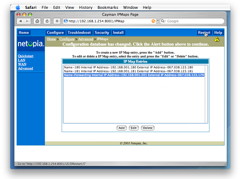
If your network router is an Apple AirPort, see how to allow outside access to your server. |
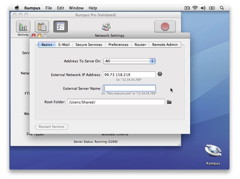
Allowing outside access requires configuration of your local router. |
|||||
| Web File Manager | ||||||
|---|---|---|---|---|---|---|
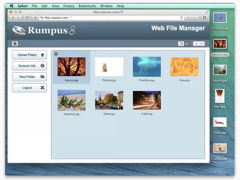
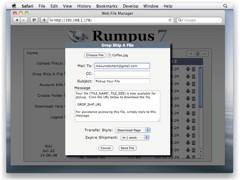
Let users send big files to guest users with simple e-mail pickup links. |
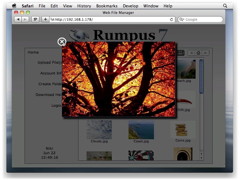
Preview images, movies and other content in a simple, integrated pop-up window. |
|||||
Allow users to find files on your Rumpus server through filename or full content searches. |
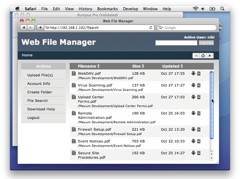
Display file listings with thumbnail images automatically generated by Rumpus. |
|||||
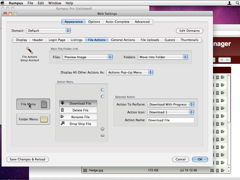
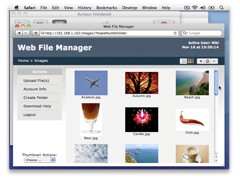
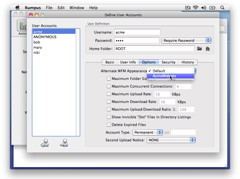
See how to customize the Rumpus Web interface for individual users. |
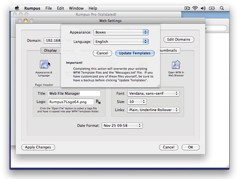
Allow users to select alternate Web interfaces, to choose a display language, for example. |
|||||
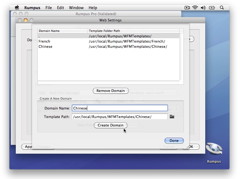
Serve multiple domains from a single server, each with its own unique appearance. |
If you are familiar with HTML & CSS, you have complete control over the WFM appearance. |
|||||
| Advanced Server Administration | ||||||
|---|---|---|---|---|---|---|
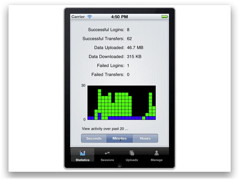
Monitor and administer your Rumpus server from your desktop Mac or iPhone. |
Manage user accounts from anywhere, using the simple Web interface. |
|||||